

Check a Ubiquiti distributor authorization letter by comparing its wording with the named seller, the claimed channel role and the proposed order. Request the complete document, check the official locator independently, and resolve differences before approving payment.
Use the workflow below for your authorization file. For the broader company and purchasing checks, start with our supplier research guide.
Read the express authorization
Ubiquiti requires prior written authorization for trademark or logo use suggesting affiliation, including identification as an authorized distributor or reseller. For that affiliation-implying use, a general trademark license alone is insufficient; specific, express authorization is required.
Read the sentence that grants the claimed role. Request the complete letter or agreement, including referenced schedules, and underline the recipient, issuer and authorization wording. Compare that wording with the role used on the seller’s quotation.
An agreement signed with Ubiquiti may contain specific usage guidelines.
As a buyer’s document review, record the named product scope, territory, effective dates, expiry if stated, and restrictions. Ask the issuer to clarify any missing scope before relying on it for your order. Keep the clarification beside the original document.

Match the seller and the channel role
Ubiquiti’s official locator distinguishes Distributor & Master Reseller from Reseller. Ubiquiti warns that some websites and dealers claim authorized reseller status without having it.
Open the manufacturer’s locator independently and select the relevant geography. Compare the company identity and category with the document and quotation. Record your lookup and ask for an explanation of any legal-name, trading-name or affiliate difference.
Authorized distributors may recommend resellers to Ubiquiti for authorized approval.
When a reseller presents a distributor-issued recommendation, request the corresponding approval evidence. Ask the seller to identify the upstream distributor and document the proposed purchasing route. Keep the issuer’s answer with the seller’s explanation.
For a wider discussion of channel roles, use authorized distributor versus wholesaler.
Checking a UniFi distributor claim
Ubiquiti describes certified installers as offering design, installation, and ongoing managed services.
For a quote described as coming from a UniFi distributor, ask which role the seller is claiming. Record installation services separately from the requested distributor or reseller authorization. Compare the authorization against the product family and territory proposed for your purchase.
Request confirmation of the document’s scope
Use an independently obtained official contact to ask the issuer to confirm the named entity, claimed role and applicability to the proposed transaction. Attach the complete document and identify the product family and destination you intend to order.
Use these questions in your request:
- Did you issue this document to the named company?
- Is the authorization current for the stated role?
- Does its scope cover the proposed product family and territory?
- Which restrictions or referenced schedules should we retain with the order?
- How should we reconcile the differences between the letter and quotation?
If the names, role or scope conflict, pause the affected order and request a corrected document or issuer clarification. Retain the original and corrected versions together, with the explanation and your purchasing decision.
Read the warranty clock before approving the quote
Ubiquiti’s warranty policy applies only to products purchased from an authorized distributor or reseller or an official Ubiquiti webstore. Replacement under the warranty policy also requires a Return Materials Authorization.
Read the applicable starting event carefully:
- For products purchased directly from Ubiquiti webstores, warranty coverage is two years after delivery to the customer.
- For products purchased from an authorized Ubiquiti distributor or reseller, warranty coverage is one year after shipment to that authorized distributor or reseller.
Ask the seller to identify the applicable starting event for the offered stock and provide the supporting purchase history. Record any separate seller service commitment alongside its own terms.
No Ubiquiti employee, agent, or reseller can modify, extend, or add to this warranty verbally or in writing.
Keep the invoice and device records together
Ubiquiti may request the actual invoice as proof of purchase. RMA information includes the product MAC address and troubleshooting actions already taken.
Save the accepted quote, actual invoice and receiving record together. At receipt, photograph the device and packaging identifiers and associate them with the purchased item. Record discrepancies before signing off on the receiving check.
The MAC ID and Date Code can be found on the back or underside of Ubiquiti devices. The MAC ID and Date Code can also be found on the outside of a product box. The Date Code corresponds to when a particular device was produced and tested.
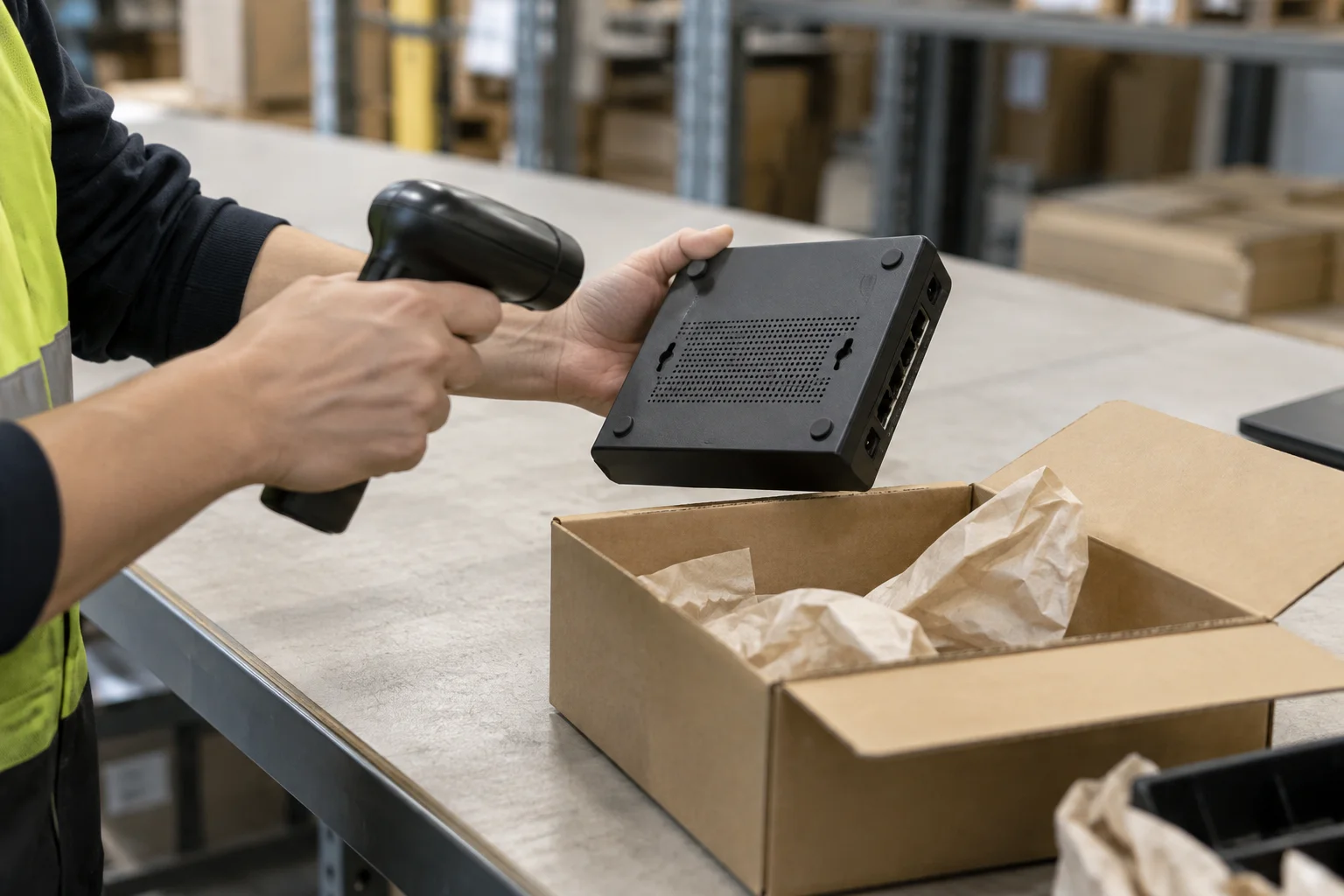
A missing original Ubiquiti MAC label is a warranty exclusion.
Include label condition in your receiving notes. Keep the authorization check and the device record in separately named parts of the same order file; record the outcome of each check before approval.
Agree the seller’s return procedure
For products purchased from a third-party retail store, each individual retailer will have its own returns policy. Ubiquiti accepts no products for replacement without an RMA number obtained during the warranty period.
Request the seller’s written return procedure before ordering. Identify the return handler, required evidence, return address, shipping arrangements and proposed remedy. Save the accepted procedure with the invoice and the manufacturer warranty explanation.
Check a MikroTik distributor separately
MikroTik directs hardware and RouterOS purchases to its Official Distributors. MikroTik directs buyers who purchased from an official distributor to the seller for warranty terms.
For a mixed-brand order, make a separate MikroTik authorization record. Use MikroTik’s own distributor information and obtain the seller’s warranty terms for those items. Ask the seller to separate each brand’s supporting documents in the quotation pack.
Your authorization-check worksheet
Copy these fields into your purchasing file and complete them against the proposed order:
- Seller: legal entity, trading name, quotation entity and invoice entity.
- Authorization: issuer, recipient, exact role and complete document attachments.
- Scope: stated product family, territory, dates and restrictions.
- Lookup: selected geography, company identity, category and saved result.
- Confirmation: independently obtained contact, questions sent and reply received.
- Purchase record: accepted quote, invoice and receiving identifiers.
- Warranty and returns: starting event, supporting records and responsible return handler.
- Decision: unresolved differences, requested corrections and approval or hold.
Before releasing the order, resolve each recorded discrepancy and retain the final document pack. Continue with how to verify a wholesale supplier for the wider supplier assessment.
Sources
- Ubiquiti — Trademark Guidelines
- Ubiquiti — Find a Distributor
- Ubiquiti — Product Warranty
- Ubiquiti — UniFi Procurement Guide
- Ubiquiti — UniFi MAC IDs and Date Codes
- Ubiquiti — US and AmpliFi Store Terms
- MikroTik — Distributors
- MikroTik — Warranty
For the broader topic and related guides, see Supplier Research.